Salesforce — Admin + Developer
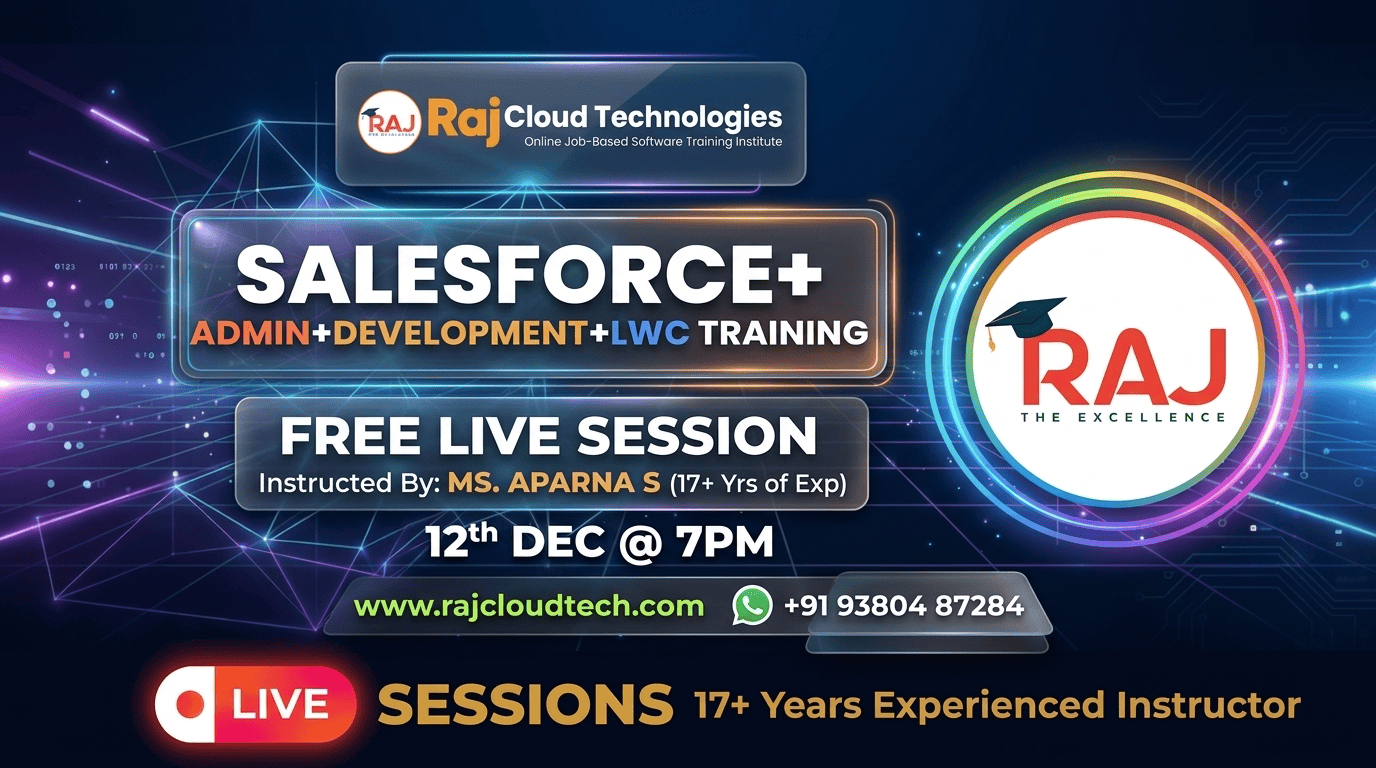
Salesforce ecosystem jobs are some of the most lucrative + recession-resistant roles in tech — Salesforce Developers earn ₹5-15 LPA at entry, Senior Developers cross ₹25 LPA, and Architects earn ₹40+ LPA. This three-month program is a complete Administrator + Platform App Builder + Developer track in one. Cover Sales Cloud, Service Cloud, Lightning Experience, Apex, SOQL, Lightning Web Components (LWC), Flow Builder, integrations, and AppExchange. Hands-on with a real Developer Edition org throughout. Prepares you for both ADM 201 and PD1 certifications.
What you'll learn
- Configure Salesforce orgs end-to-end as an Administrator
- Build Lightning Web Components and Apex triggers from scratch
- Design Flows that replace legacy Process Builder + Workflow Rules
- Write SOQL + SOSL queries that respect governor limits
- Integrate Salesforce with external systems via REST + SOAP
- Customize Sales Cloud + Service Cloud for real business scenarios
- Implement security with profiles, permission sets, sharing rules
- Pass Salesforce Certified Administrator (ADM 201)
- Pass Salesforce Certified Platform Developer I (PD1)
- Land Salesforce Admin / Developer roles paying ₹5-25 LPA
Technologies Taught
Training Unique Features
- Real Developer Edition org access from day 1
- Cover Admin + App Builder + Developer tracks in one program
- Build 5+ real-world Salesforce apps — sales, service, custom CRM
- Daily 90-minute interactive live class with code walkthroughs
- ADM 201 + PD1 certification preparation built into the curriculum
- Mock client implementation projects — what consultants actually do
- Trained by Salesforce-certified consultants with 9+ years experience
- Resume + LinkedIn + Trailhead profile polish
- Mock technical interviews for Admin + Developer roles
- Direct intros to SI partners + product companies hiring Salesforce talent
Job Opportunities
Top job positions you can apply for after completing this training.
| Job Role | Experience | Salary Range |
|---|---|---|
| 1. Salesforce Administrator | Fresher to 2+ Years | 3–6 LPA |
| 2. Salesforce Developer (Apex + LWC) | Fresher to 3+ Years | 4–10 LPA |
| 3. Salesforce LWC Developer | Fresher to 3+ Years | 5–12 LPA |
| 4. Salesforce Solutions Engineer | 2+ Years | 6–12 LPA |
| 5. Salesforce Integration Developer | 2+ Years | 6–12 LPA |
| 6. Salesforce Analyst / CRM Analyst | 2+ Years | 5–10 LPA |
| 7. Salesforce Admin + Developer | 3+ Years | 8–15 LPA |
| 8. Lead Salesforce Developer | 4+ Years | 12–20 LPA |
| 9. Salesforce Consultant | 4+ Years | 12–22 LPA |
| 10. Salesforce Solution Architect | 6+ Years | 20–40 LPA |
You Can Work As
Upcoming In-Demand Jobs
Training Curriculum
Salesforce Admin | Development | LWC | Integration Training
4 topics
Salesforce Admin | Development | LWC | Integration Training
- •Salesforce Administrator (ADM-201)
- •Salesforce Developer (PD1-Level)
- •Lightning Web Components (LWC) Fundamentals
- •Salesforce Integration Basics
Salesforce Admin Training
55 topics
Salesforce Admin Training
- •Introduction to CRM, Cloud Models (SaaS, PaaS, IaaS)
- •Salesforce Architecture, Multitenancy, Metadata
- •Salesforce Editions, Licenses, Sandboxes, Release Cycles
- •Creating Org, Company Settings, Business Hours, Fiscal Year
- •Currencies, Language Settings
- •Environment Setup, Navigation & Search, Themes & Branding
- •Users, Roles, Role Hierarchy
- •Profiles & Permission Sets
- •Permission Set Groups
- •OWD & Sharing Rules, Team access
- •Login Policies, Session Security, Identity Basics
- •Standard vs Custom Objects
- •Fields & Field Types
- •Relationships (Lookup & Master Detail), Junction Objects
- •Formula & Roll-up Summary Fields
- •Validation Rules
- •Data Import Wizard, Data Loader
- •Flows – The Most Essential Skill in Modern Salesforce
- •Screen Flows, Record-Triggered Flows
- •Scheduled Flows, Autolaunched Subflows
- •Decision, Loops, Fault Paths, Debugging
- •Replacing Workflow & Process Builder with Flows
- •Creating Users, Mass Email Users
- •User Licenses Overview
- •Understanding Record Ownership and Access Roles and Role Hierarchy Profiles
- •User Permissions
- •Permission Sets and Permission Set Groups, Public groups
- •Queues
- •Objects
- •Custom Objects vs. Standard Objects, Creation of custom object
- •Different Data types
- •Standard Data types – Text, Email, Number, Currency, URL, Text Area, Rich Text Area, etc.
- •Read only Data types
- •Auto Number, Formula and Rollup summary, Rollup summary Operations
- •Sum(), Min(), Max() and Count
- •Relational Data types
- •Lookup vs Master-Detail Relationship
- •Required, ExternalId, Default Value and Unique fields
- •Controlling field / Dependent field
- •Making dependent picklist fields
- •Lightning App Builder
- •Page Layouts, Record Types, Compact Layouts
- •Quick Actions & Dynamic Forms
- •Reports, Dashboards
- •Report Types, Summary & Matrix Reports
- •Filters, Buckets, Cross Filters
- •Dashboards Components & Dynamic Dashboards
- •Data Import Wizard, Data Loader
- •Workbench Overview
- •Data Backup Strategy & Metadata Backup Overview
- •OWD Levels, Sharing Rules, Manual Sharing
- •Field-Level Security & Object Permissions
- •Named Credentials, Remote Site Settings
- •Change Sets (Inbound/Outbound)
- •Sandbox Types & Promotion Strategy
Salesforce Development Course
48 topics
Salesforce Development Course
- •Variables
- •Data Types
- •Collections
- •Loops
- •Conditionals
- •Apex Syntax
- •Apex Classes
- •SOQL Queries
- •SOSL Searches
- •DML Operations – Insert, Update, Delete, Upsert
- •Database Methods (SaveResult, UpsertResult)
- •Exception Handling & Custom Exceptions
- •Before & After Triggers
- •Trigger Context Variables
- •Apex Trigger Framework design
- •Custom Settings, Custom Metadata, Custom Labels
- •Bulkification & Recursive Trigger Handling
- •Future, Batch, Queueable, Scheduled Apex
- •Test Classes, Mock Data, Debug Logs
- •Code Coverage Best Practices
- •Debugging in Apex with logs & checkpoints
- •Test Data Creation
- •Assertions
- •Mock Callouts
- •Code Coverage
- •Deployment Best Practices
- •Introduction to Governor Limits
- •Why governor limits exist
- •Multi-tenant architecture explanation
- •Real execution impact on code and UI
- •Benefits of limits for platform stability
- •Per-transaction limits
- •Per-org / static limits
- •Per-license & feature-specific limits
- •Max SOQL queries per transaction
- •DML operations limit (insert/update/delete/undelete)
- •SOQL best practices to reduce query count
- •Avoid DML/SOQL inside loops
- •Using collections & bulk processing
- •What is Salesforce CPU execution time?
- •Difference between synchronous & async CPU limits
- •Optimizing logic to reduce CPU—patterns & examples
- •Inbound vs Outbound Integrations
- •Integration Patterns (Request/Reply, Fire & Forget, Batch)
- •REST & SOAP API Basics
- •Callouts, Named Credentials, Remote Site Settings
- •OAuth, JWT, Connected App Configuration
- •Working with Platform Events & Streaming
Lightning Web Components + Integration & Career Readiness
25 topics
Lightning Web Components + Integration & Career Readiness
- •Build modern UI using Lightning Web Components
- •What is LWC? Architecture overview
- •Aura vs LWC – Performance & Feature Comparison
- •Component structure: HTML, JS, Meta, CSS in LWC
- •Data Binding, `@track`, `@api`, `@wire` Decorators explained with examples
- •Component Lifecycle Hooks (`connectedCallback`, `renderedCallback`, etc.)
- •Setting Up VS Code & CLI
- •What is LDS and why no Apex is required
- •`lightning-record-view-form`, `lightning-record-edit-form`, `lightning-record-form`
- •Create, Update, Delete records without Apex
- •LDS caching, error handling, wire adapters
- •LDS performance & security considerations
- •Parent → Child communication
- •Child → Parent event bubbling
- •Sibling component messaging
- •Publish-Subscribe model with LMS
- •When to use Custom Events vs LMS
- •Event propagation & performance best practices
- •Fetch & Update Records via Apex
- •Data Tables, Reusable Components
- •Event Bubbling
- •Locker Service
- •CSP Trusted Sites
- •DOM Sanitization
- •Access check using schema & field level security
Salesforce Integrations
13 topics
Salesforce Integrations
- •What is Integration? Why is it Important?
- •Salesforce Integration Capabilities
- •Understanding REST & SOAP APIs
- •Making REST API Calls in Salesforce
- •Using Workbench & Postman for API Testing
- •Handling API Responses (JSON & XML)
- •Callouts in Salesforce
- •Named Credentials & External Services
- •OAuth Authentication & Connected Apps
- •Implementing Third-Party API Integrations
- •Event-Driven Architecture
- •Publishing & Subscribing to Platform Events
- •Change Data Capture (CDC) for Real-Time Updates
Capstone & Career Preparation
4 topics
Capstone & Career Preparation
- •Capstone Project: Build a Full Salesforce App integrating Admin + Apex + LWC + Integration
- •Resume & LinkedIn Optimization
- •Mock Interviews (Scenario + Technical)
- •Certification Guidance (Admin + Platform Dev I)
Training Instructed By
A seasoned professional with 17+ Yrs of rich experience in a variety of L&D initiatives. Good at design & delivery of L&D Interventions, and training on Platform Administration & Development, LWC, Commerce, Sales, Service, Marketing, Data Cloud modules. Proficient in MERN Full Stack Development. Approved trainer by Raj Cloud Technologies.
Approved trainer by Raj Cloud Technologies
Training content
Lifetime access
Watch at your own pace
Certificate included
On 100% completion
Q&A community
Ask anything, get answers
One-time payment. Lifetime access.
Ask anything about this training
Curriculum, fees, schedule, EMI options — drop your question and our admissions team replies within one business day.
- 0 on-demand lessons
- Lifetime access
- Certificate of completion